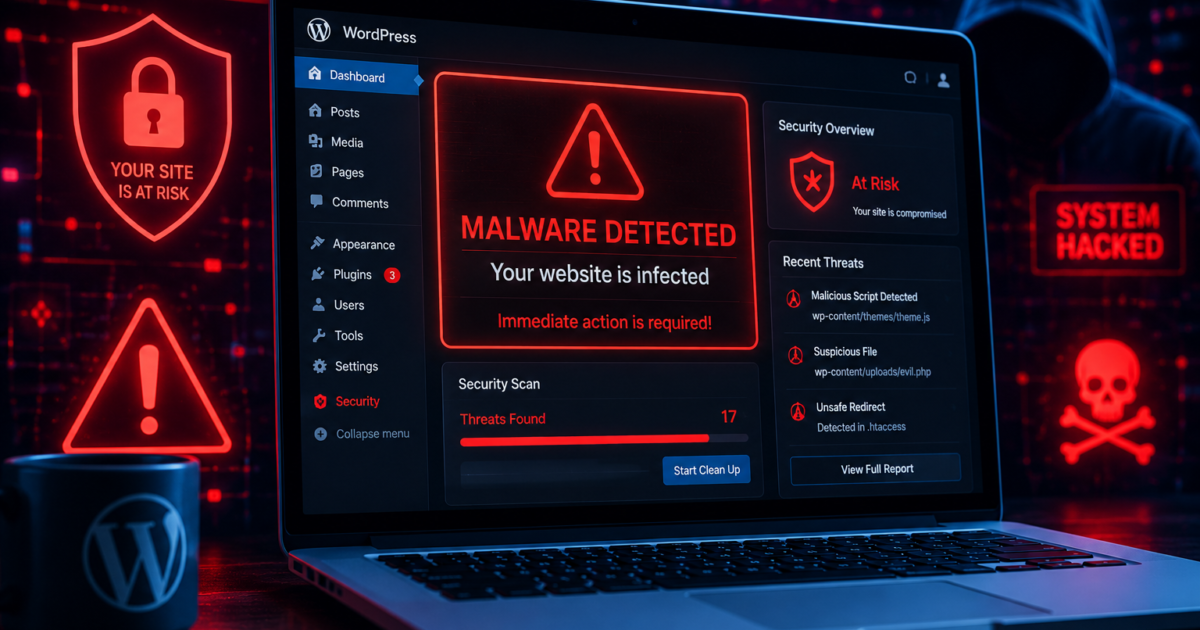
WordPress powers millions of websites worldwide, making it one of the biggest targets for hackers. Malware infections can damage your SEO rankings, steal customer data, and even get your website blacklisted by Google.
The problem is that many website owners don’t realize their website is infected until traffic suddenly drops or visitors start complaining.
In this guide, you’ll learn the most common signs of WordPress malware and how to fix them quickly.
1. Your Website Redirects to Unknown Pages
One of the clearest signs of malware is unexpected redirects. Visitors may land on spam websites, fake shopping pages, or suspicious ads instead of your actual content.
Hackers often inject redirect scripts into:
- Theme files
- Plugins
- Database entries
How to Fix It
- Scan your website with Wordfence or Sucuri
- Check
.htaccessfor suspicious code - Remove unknown plugins and themes
2. Google Shows “This Site May Be Hacked”
If Google detects malware, your website may display a warning in search results.
This can:
- Reduce traffic
- Damage trust
- Hurt SEO rankings
How to Fix It
- Clean infected files
- Request review in Google Search Console
- Update WordPress and plugins
3. Your Website Suddenly Becomes Slow
Malware often uses server resources in the background for spam or malicious scripts.
Signs include:
- Slow loading pages
- High CPU usage
- Hosting suspension warnings
How to Fix It
- Run a malware scan
- Remove suspicious PHP files
- Upgrade security firewall settings
4. Unknown Admin Users Appear
Hackers sometimes create hidden admin accounts to regain access later.
How to Fix It
- Check all WordPress users
- Delete suspicious accounts
- Change all passwords immediately
- Enable two-factor authentication
5. Spam Pages Appear in Google Search
SEO spam malware creates fake pages targeting gambling, crypto, or adult keywords.
Search Google using:
site:yourdomain.comIf strange pages appear, your website may be compromised.
How to Fix It
- Delete spam pages
- Remove infected database entries
- Resubmit sitemap to Google
6. Hosting Company Sends Malware Alerts
Most hosting providers actively monitor infected websites.
You may receive warnings about:
- Malicious scripts
- Phishing files
- Spam emails
How to Fix It
- Download the malware report
- Remove infected files
- Restore from clean backup if necessary
7. Your Website Sends Spam Emails
Hackers frequently abuse infected websites to send spam emails.
This can:
- Damage your domain reputation
- Blacklist your email server
- Affect contact forms
How to Fix It
- Scan email-related plugins
- Configure SMTP security
- Remove malicious scripts
8. Suspicious Files Appear in Your Website
Malware often creates files with random names like:
x.phpwp-log.phpadmin-new.php
Common locations include:
/wp-content/uploads//tmp/- Root folder
How to Fix It
- Delete suspicious files
- Replace WordPress core files
- Reinstall trusted plugins
9. Login Attempts Increase Rapidly
A hacked website may experience brute-force attacks from bots trying to gain access.
How to Fix It
- Limit login attempts
- Use Cloudflare protection
- Enable CAPTCHA on login forms
10. Website Traffic Suddenly Drops
Malware can seriously damage SEO performance.
Traffic drops usually happen because:
- Google blacklists the website
- Spam pages confuse search engines
- Visitors lose trust
How to Fix It
- Clean malware quickly
- Submit review request to Google
- Improve website security
Best Tools to Scan WordPress Malware
Recommended security tools:
- Wordfence Security
- Sucuri SiteCheck
- MalCare
- Solid Security
- Cloudflare Firewall
These tools help detect and prevent future attacks.
How to Prevent Malware in the Future
Follow these security best practices:
- Keep WordPress updated
- Avoid nulled plugins
- Use strong passwords
- Enable automatic backups
- Install a firewall
- Scan your website weekly
Website security should always be proactive, not reactive.
Final Thoughts
Malware infections can destroy website traffic, SEO rankings, and customer trust. The faster you detect the warning signs, the easier it becomes to clean and secure your WordPress website.
Regular maintenance, trusted plugins, and strong security practices are the best defense against hackers in 2026.