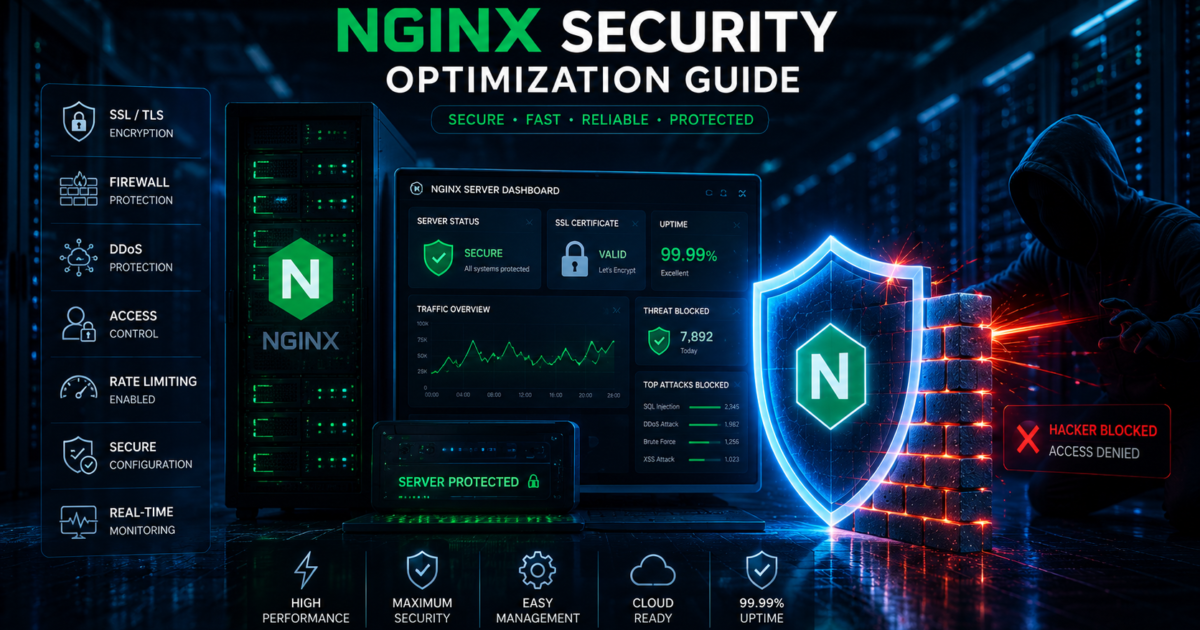
NGINX is one of the most popular web servers in the world because of its speed, scalability, and performance. However, poorly configured servers can become easy targets for hackers, malware attacks, and DDoS attempts.
Securing your NGINX server is essential for protecting websites, APIs, applications, and sensitive user data.
In this guide, you’ll learn the best NGINX security optimization techniques for 2026.
Why NGINX Security Matters
An unsecured server can lead to:
- Website hacks
- Data theft
- Malware infections
- SEO spam attacks
- Server downtime
- DDoS attacks
Proper server hardening reduces vulnerabilities and improves website stability.
1. Keep NGINX Updated
Always use the latest stable version of NGINX.
Updates often include:
- Security patches
- Bug fixes
- Performance improvements
Update NGINX on Ubuntu:
sudo apt update
sudo apt upgrade nginx
Outdated server software is one of the biggest security risks.
2. Hide NGINX Version Information
By default, NGINX may expose its version number to attackers.
Disable version visibility:
server_tokens off;Add this inside your nginx.conf file.
This reduces information exposure to hackers.
3. Enable HTTPS with SSL
SSL encryption protects data between the server and visitors.
Benefits:
- Better security
- SEO improvements
- Secure login protection
- User trust
Use free SSL certificates from:
- Let’s Encrypt
- Cloudflare SSL
Example SSL configuration:
listen 443 ssl;
ssl_certificate /path/fullchain.pem;
ssl_certificate_key /path/privkey.pem;
4. Enable Firewall Protection
Use a firewall to block malicious traffic.
Recommended firewall tools:
- UFW
- CSF Firewall
- Cloudflare WAF
Allow only required ports:
sudo ufw allow 80
sudo ufw allow 443
sudo ufw enable
This helps reduce attack surfaces.
5. Disable Unused Modules
Unused modules increase security risks.
Remove unnecessary services and disable modules you don’t use.
Minimal server setups are usually safer and faster.
6. Prevent DDoS Attacks with Rate Limiting
Rate limiting blocks excessive requests from bots and attackers.
Example:
limit_req_zone $binary_remote_addr zone=login:10m rate=5r/s;This helps protect:
- Login pages
- APIs
- Contact forms
7. Block Malicious Bots
You can block suspicious user agents and spam bots directly in NGINX.
Example:
if ($http_user_agent ~* (badbot|crawler)) {
    return 403;
}
This reduces unwanted traffic.
8. Secure File Permissions
Incorrect file permissions can expose sensitive files.
Recommended permissions:
- Files:
644 - Directories:
755
Protect important files like:
.envwp-config.php- Database backups
9. Disable Directory Listing
Directory listing exposes server files publicly.
Disable it using:
autoindex off;This prevents visitors from browsing directories.
10. Protect Against SQL Injection and XSS
Use security rules and firewalls to stop common attacks.
Cloudflare and ModSecurity provide advanced filtering against:
- SQL injection
- Cross-site scripting (XSS)
- Malicious payloads
11. Enable Security Headers
Security headers improve browser-level protection.
Example:
add_header X-Frame-Options "SAMEORIGIN";
add_header X-Content-Type-Options "nosniff";
add_header X-XSS-Protection "1; mode=block";
These headers help prevent browser-based attacks.
12. Monitor Logs Regularly
Monitor:
- Access logs
- Error logs
- Login attempts
- Traffic spikes
NGINX logs help identify:
- Brute-force attacks
- Bot traffic
- Suspicious activity
Log files are usually stored in:
/var/log/nginx/13. Use Fail2Ban Protection
Fail2Ban automatically blocks suspicious IP addresses.
It protects against:
- Brute-force attacks
- Repeated login attempts
- Bot abuse
This adds another security layer to your server.
Final Thoughts
NGINX security optimization is essential in 2026 as cyber attacks continue to increase. Proper firewall rules, SSL encryption, rate limiting, malware prevention, and server hardening can dramatically improve your website security.
A secure server not only protects your data but also improves website performance, SEO trust, and uptime reliability.