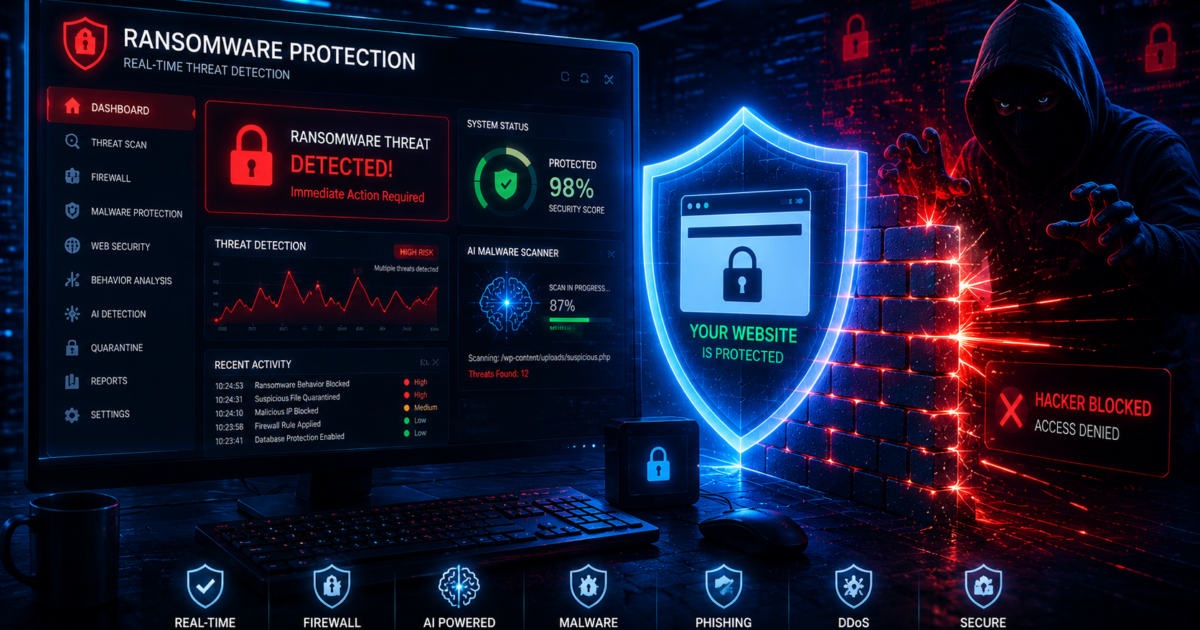
Ransomware attacks are becoming one of the most dangerous cybersecurity threats in 2026. Businesses, WordPress websites, online stores, and cloud servers are frequently targeted by hackers using advanced malware and AI-powered cyber attacks.
A successful ransomware attack can:
- Encrypt your files
- Shut down your website
- Steal customer data
- Damage SEO rankings
- Cause financial loss
The good news is that most ransomware attacks can be prevented with proper website security and cybersecurity practices.
In this guide, you’ll learn how to protect your business website from ransomware attacks in 2026.
What Is Ransomware?
Ransomware is a type of malware that locks or encrypts files and demands payment to restore access.
Hackers usually spread ransomware through:
- Phishing emails
- Infected plugins
- Weak passwords
- Vulnerable servers
- Fake software downloads
Modern ransomware attacks often target websites, hosting accounts, and cloud infrastructure.
Why Ransomware Attacks Are Increasing
Cybercriminals now use AI tools to automate attacks faster than ever before.
Businesses are targeted because they store:
- Customer information
- Payment details
- Login credentials
- Business documents
Without strong cybersecurity protection, websites become easy targets.
1. Keep Your Website Software Updated
Outdated software is one of the biggest security vulnerabilities.
Always update:
- WordPress core
- Plugins
- Themes
- Server software
- PHP versions
Updates include security patches that block known exploits.
WordPress Security Tip
Enable automatic updates for trusted plugins whenever possible.
2. Install a Website Firewall
A firewall protects your website from malicious traffic and cyber attacks.
Recommended firewall tools:
- Cloudflare
- Wordfence
- Sucuri Firewall
Firewall protection helps stop:
- Malware uploads
- DDoS attacks
- Bot traffic
- Brute-force attacks
Strong firewall systems are essential for modern website security.
3. Use AI Malware Scanners
AI-powered malware scanners can detect suspicious behavior before ransomware spreads.
Popular malware scanner tools:
- Wordfence Security
- Sucuri SiteCheck
- MalCare
- CrowdStrike
AI cybersecurity tools analyze:
- File changes
- Login activity
- Malicious scripts
- Network behavior
Real-time monitoring improves threat detection significantly.
4. Create Regular Website Backups
Backups are one of the best defenses against ransomware.
If your website becomes infected, you can restore a clean version quickly.
Backup recommendations:
- Daily automated backups
- Store backups offsite
- Use cloud storage
- Test backups regularly
Popular backup tools:
- UpdraftPlus
- BlogVault
- JetBackup
Never store backups only on the same server.
5. Strengthen Login Security
Weak passwords make ransomware attacks easier.
Use:
- Strong passwords
- Two-factor authentication
- Login protection plugins
Avoid usernames like:
- admin
- administrator
Login security is critical for WordPress security and cloud protection.
6. Train Employees to Detect Phishing
Phishing emails are one of the biggest ransomware delivery methods.
Hackers create fake emails that appear legitimate.
Signs of phishing:
- Suspicious links
- Urgent payment requests
- Unknown attachments
- Fake login pages
Employee awareness can prevent major cybersecurity incidents.
7. Secure Your Hosting Environment
Secure hosting providers offer stronger cybersecurity protection.
Choose hosting with:
- Malware scanning
- DDoS protection
- Firewall systems
- Server monitoring
- Daily backups
A secure server environment reduces ransomware risks significantly.
8. Limit User Permissions
Not every user should have admin access.
Use role-based permissions to limit access to:
- Files
- Plugins
- Server settings
- Databases
Restricting permissions helps contain security breaches.
9. Monitor Website Activity
Cybersecurity monitoring helps detect attacks early.
Monitor:
- Login attempts
- File changes
- Traffic spikes
- Malware alerts
Security monitoring tools provide real-time notifications for suspicious activity.
10. Disable Unused Plugins and Services
Unused plugins create additional vulnerabilities.
Remove:
- Old plugins
- Inactive themes
- Unused applications
- Unnecessary services
A clean website is easier to secure.
Best Cybersecurity Tools for Ransomware Protection
Recommended tools for website security:
- Cloudflare Firewall
- Wordfence Security
- Sucuri
- CrowdStrike
- SentinelOne
These tools help protect against:
- Malware
- Ransomware
- Phishing
- DDoS attacks
Combining multiple security layers improves protection.
Final Thoughts
Ransomware attacks in 2026 are becoming more advanced due to artificial intelligence and automated hacking systems. Businesses must prioritize cybersecurity, website security, and malware prevention to protect sensitive data and maintain customer trust.
Using firewalls, AI malware scanners, strong backups, and phishing protection can dramatically reduce ransomware risks.
Proactive cybersecurity is always cheaper than recovering from an attack.