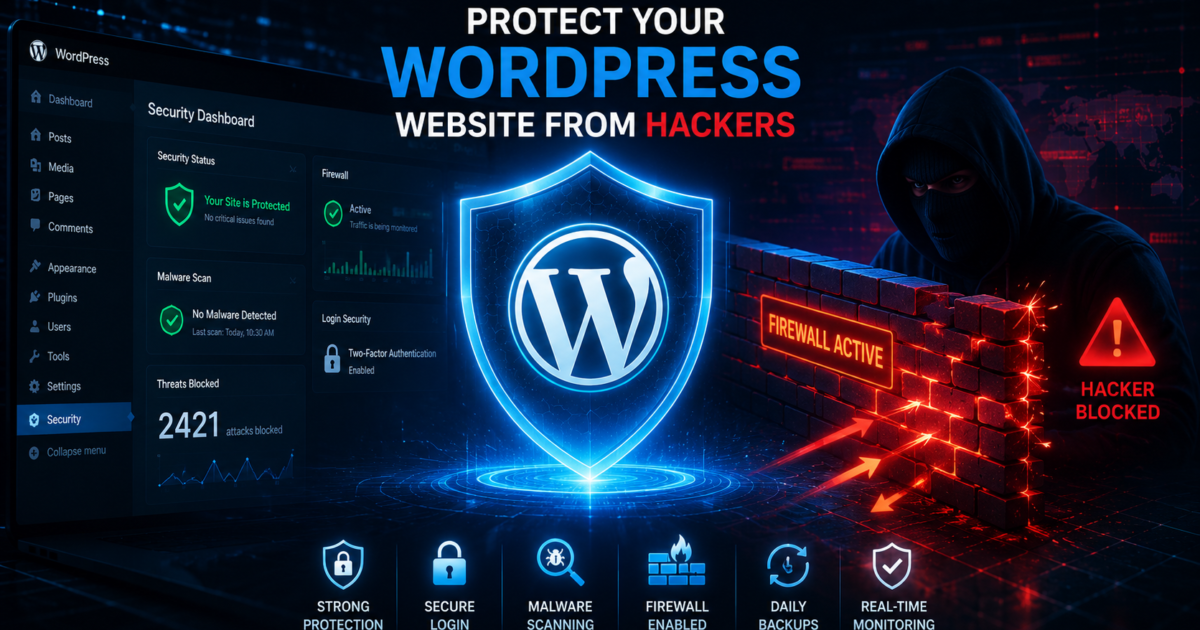
WordPress is the most popular website platform in the world, which also makes it one of the biggest targets for hackers. Cybercriminals constantly search for weak passwords, outdated plugins, and vulnerable websites to exploit.
A hacked website can lead to:
- SEO ranking loss
- Malware infections
- Stolen customer data
- Website downtime
- Google blacklisting
The good news is that most WordPress attacks can be prevented with proper security practices. In this guide, you’ll learn the best ways to protect your WordPress website from hackers in 2026.
1. Keep WordPress Updated
Outdated software is one of the biggest security risks.
Always update:
- WordPress core
- Plugins
- Themes
- PHP version
Updates often include security patches that fix vulnerabilities hackers actively target.
Pro Tip
Enable automatic updates for trusted plugins whenever possible.
2. Use Strong Passwords
Weak passwords make brute-force attacks easy.
Create strong passwords using:
- Uppercase letters
- Lowercase letters
- Numbers
- Symbols
Avoid passwords like:
- admin123
- password
- yoursite2026
Use password managers such as:
- Bitwarden
- 1Password
- LastPass
3. Enable Two-Factor Authentication (2FA)
Two-factor authentication adds an extra layer of login security.
Even if hackers steal your password, they still need a verification code to access your account.
Popular WordPress 2FA plugins:
- Wordfence Login Security
- WP 2FA
- Solid Security
4. Install a WordPress Firewall
A firewall blocks malicious traffic before it reaches your website.
Recommended firewall tools:
- Cloudflare
- Wordfence Firewall
- Sucuri Firewall
Firewalls help stop:
- Bot attacks
- SQL injections
- Brute-force login attempts
- DDoS attacks
5. Avoid Nulled Themes and Plugins
Free “nulled” plugins often contain hidden malware and backdoors.
Only download themes and plugins from:
- WordPress.org
- Official developer websites
- Trusted marketplaces
Using pirated software is one of the fastest ways to get hacked.
6. Limit Login Attempts
Hackers use automated bots to guess passwords repeatedly.
Limit failed login attempts using plugins like:
- Limit Login Attempts Reloaded
- Wordfence
- Solid Security
This blocks brute-force attacks automatically.
7. Change the Default Login URL
The default WordPress login page (/wp-admin) is heavily targeted.
Use plugins like:
- WPS Hide Login
- iThemes Security
Changing the login URL makes attacks harder.
8. Install Malware Scanning Tools
Security plugins can scan your website for suspicious files and malware.
Best malware scanners:
- Wordfence
- Sucuri Security
- MalCare
Regular scans help detect threats before they become serious problems.
9. Use Secure Hosting
Your hosting provider plays a huge role in website security.
Choose hosting companies that offer:
- Malware scanning
- Firewalls
- Daily backups
- DDoS protection
- Server monitoring
Managed WordPress hosting usually provides stronger security features.
10. Backup Your Website Regularly
Backups allow you to restore your website quickly after an attack.
Recommended backup plugins:
- UpdraftPlus
- BlogVault
- All-in-One WP Migration
Store backups in:
- Google Drive
- Dropbox
- External storage
Automatic daily backups are highly recommended.
11. Disable File Editing in WordPress
Hackers sometimes inject malicious code through the WordPress theme editor.
Disable file editing by adding this to wp-config.php:
define('DISALLOW_FILE_EDIT', true);This improves security significantly.
12. Use HTTPS and SSL Security
SSL certificates encrypt data between your website and visitors.
Benefits include:
- Better security
- SEO improvement
- Visitor trust
- Secure login protection
Most hosting providers offer free SSL certificates through Let’s Encrypt.
13. Monitor Website Activity
Activity monitoring helps detect suspicious behavior early.
Monitor:
- Login attempts
- File changes
- Plugin installations
- User activity
Security plugins can send instant alerts when unusual activity occurs.
Final Thoughts
Protecting your WordPress website from hackers requires ongoing maintenance and strong security practices. Simple steps like updating plugins, using strong passwords, enabling firewalls, and installing malware scanners can dramatically reduce security risks.
Website security in 2026 is no longer optional — it’s essential for protecting your SEO rankings, business reputation, and customer trust.